Welcome
Letter Builder turns company data, employee records, and multilingual templates into printable letters with approval controls.
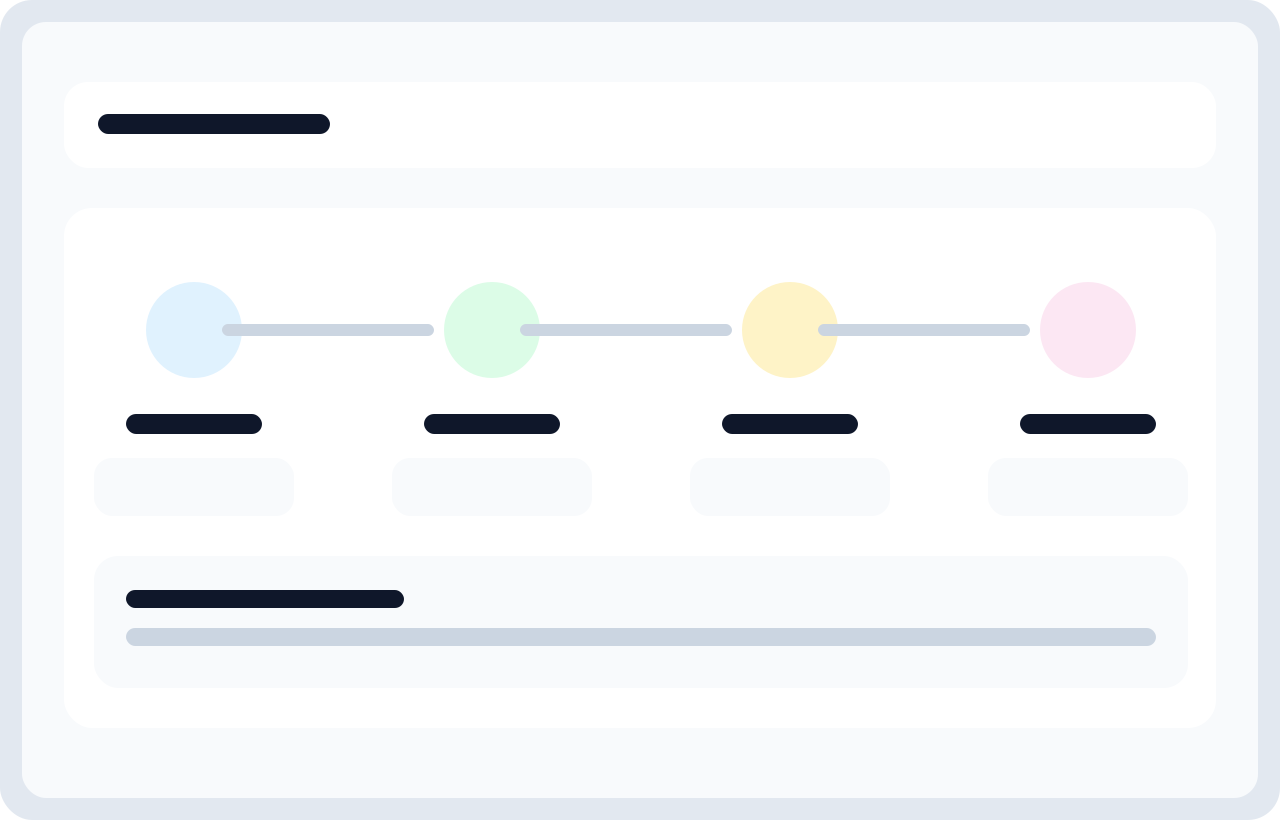
Think of the system as three layers working together: company configuration, content authoring, and request fulfillment. Companies define branding and numbering rules. Templates define what a letter can say. Requests and letters turn that content into controlled output.
What kind of problems this product solves
Teams that issue employment certificates, internal memos, salary letters, support letters, and other HR or operations documents usually run into the same pain points: too many Word files, inconsistent formatting, manual renaming of placeholders, translation drift across languages, and no clear record of who approved what. Letter Builder is designed to reduce those problems without making everyday work harder.
What the current codebase supports
- Company-aware document generation: each company can have its own identity, defaults, logo, date format, timezone, and reference-number scheme.
- Multilingual template authoring: one template can contain multiple language versions while keeping the same placeholder structure.
- Employee self-service: employees can request letters that are valid for their own company and complete requester-supplied fields.
- Controlled approval: administrators review pending requests and cannot approve incomplete requests that are missing requester-required data.
- Generated record keeping: approved requests become letters with stored values, approver metadata, reference numbers, and print routes.
- User localization: employee records can be translated per language without duplicating the employee itself.
- Operational safety nets: audits, template revision history, and placeholder validation help teams recover from mistakes.
Color cue
Sky and cyan accents signal navigation, guidance, and core documentation structure.
Reading style
Serif display headings create a stronger chapter feel, while Grotesk body text keeps the reading crisp.
Best use
Use the sidebar to move by feature area instead of searching inside one long page.
How the product is organized
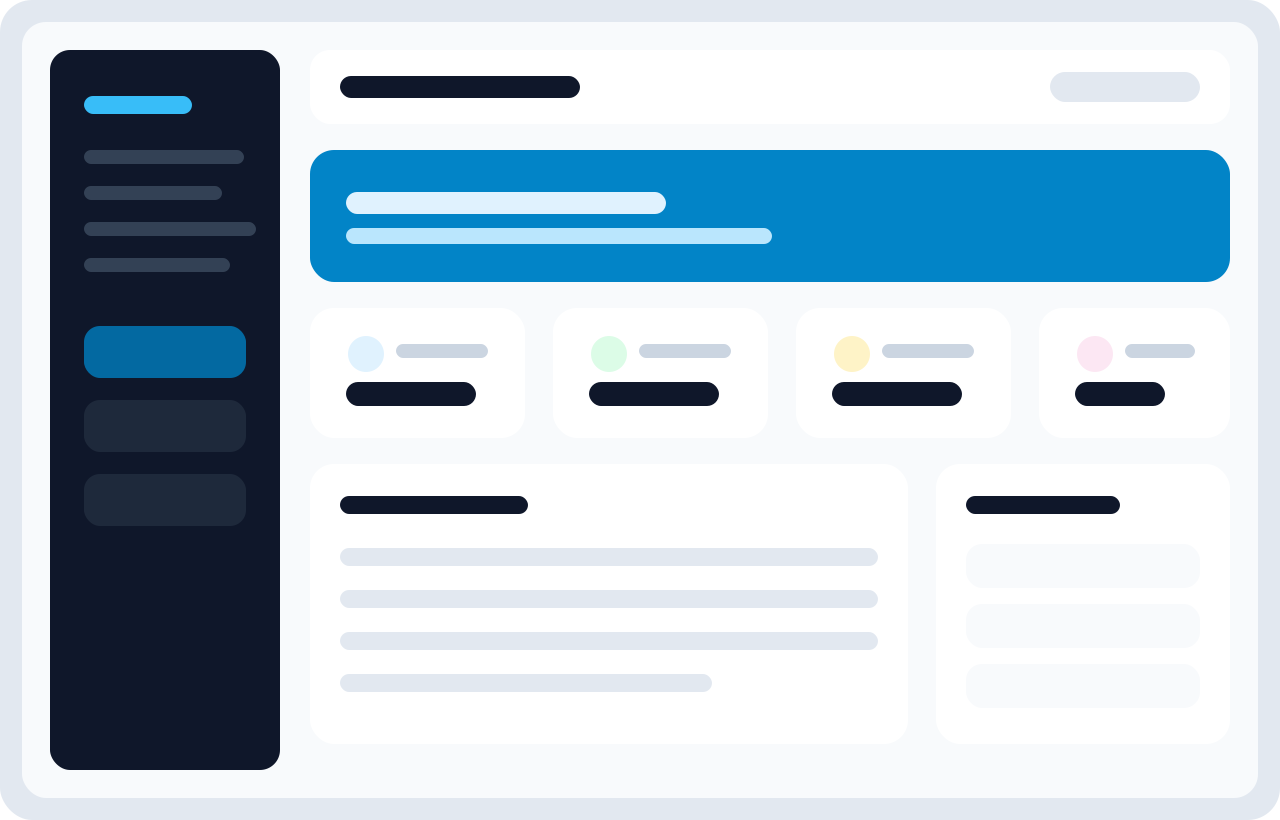
The application has two main user experiences.
1. Admin panel
This is where HR, administrators, and content owners spend most of their time. They manage companies, templates, users, translations, settings, request approvals, and generated letters.
2. Employee panel
This is intentionally narrower. Employees request approved document types, supply any information the process requires from them, then later access and print approved letters.
How to read the documentation
These docs are now split into focused pages, closer to the Laravel docs style you asked for. Each page covers one feature area in more detail: what it does, why it exists, how to use it, where teams make mistakes, and what edge cases matter in the current implementation.
Recommended reading order for a new team
- Read Quick Start to understand the basic happy path.
- Read Companies before creating any real templates because numbering and branding start there.
- Read Letter Templates before your team creates multilingual content.
- Read Letter Requests and Generated Letters before you hand the product to employees.
- Read Users & Translations if you manage multilingual employee data.
- Read Settings before changing delimiters or workflow behavior.
Common misunderstandings to avoid early
- A template is not a final letter. Templates define structure. Letters are the generated output.
- Languages are not separate templates. One template can carry multiple language versions.
- User translations are not duplicate employees. They are localized value overrides for the same person.
- External vs internal visibility matters. Employees only see external templates in the employee request area.
- Placeholder consistency matters more than translated wording. You can change the text, but the placeholder keys must stay aligned.